Quick log with AI
Describe what you ate in natural language and let Celia help turn the moment into a useful food log.
AI food logging
Spend less time filling in a traditional food diary. Use Celia AI to quickly capture a meal, then keep the food, photos, reactions and details you care about in one organized timeline.
Download Celia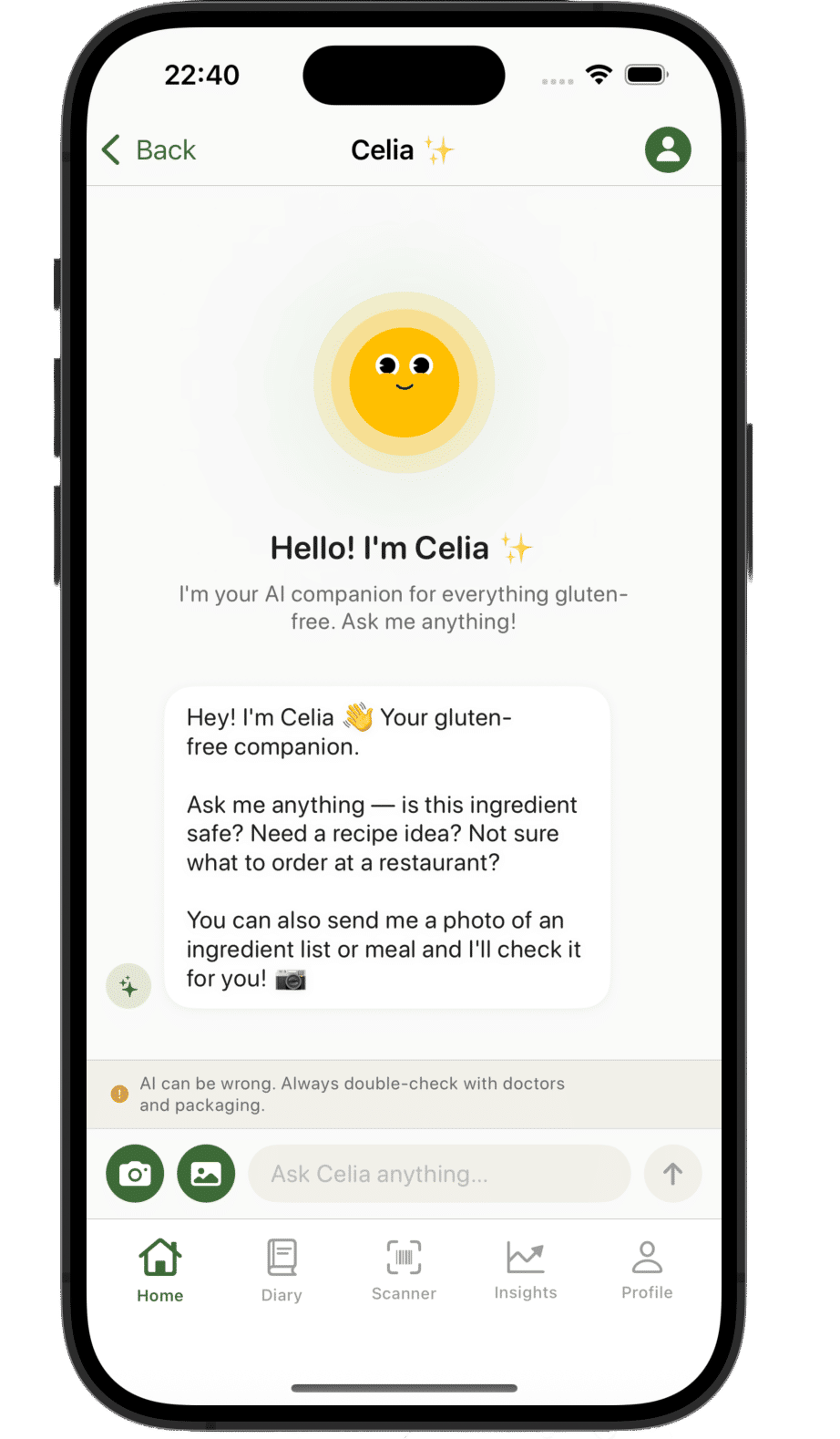
Celia gives you flexible ways to remember a meal while the details are still fresh.
Describe what you ate in natural language and let Celia help turn the moment into a useful food log.
Keep a visual record of a meal, product or place alongside the details you want to remember.
Add favourites, reactions and notes without the calorie-counting clutter of a traditional nutrition tracker.
Use everyday language to describe a meal, snack or drink while it is easy to remember.
Check the entry and add a photo, reaction, favourite or note when it is useful.
Return to your timeline later to remember meals and see your personal food history in context.
AI can make logging quicker, but your own review matters. Check the saved details and add the context that is meaningful to you.
You can describe a meal in everyday language, review the entry and add a photo, reaction, favourite or note instead of starting with a long form.
Yes. Celia focuses on meals, photos, reactions, favourites and notes rather than requiring calorie or macro tracking.
Yes. You stay in control and should review the saved details, then add the personal context that matters to you.
Download Celia for iPhone and start a simpler AI-assisted food diary.