
10+ languages
Choose the language that best fits the restaurant and keep an English version one tap away.
Choose a language and show a Celia Chef Card to your server or chef. The card offers a clear, written way to describe your gluten-free preferences.

Free to download for iPhone • Free trial available • Chef Cards are included in Celia.
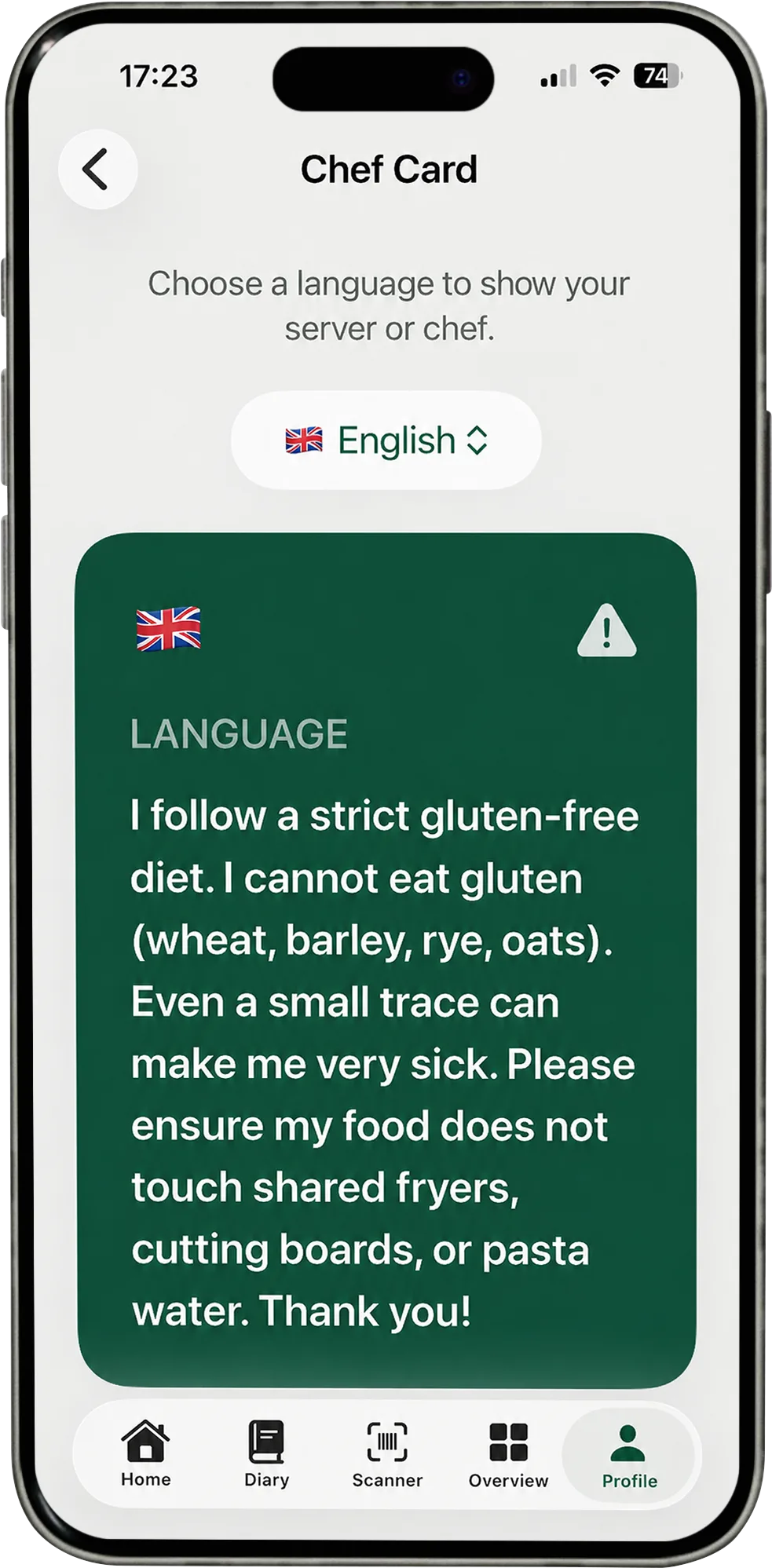
Chef Cards offer a prepared way to communicate while travelling or dining out.
Choose the language that best fits the restaurant and keep an English version one tap away.
Cards include useful points that can help start a more detailed conversation with restaurant staff.
Present a prepared card directly instead of relying on a rushed translation at the table.
Select the language spoken by the server, chef or restaurant team.
Give the staff member time to read the full card in their language.
Use the card as a starting point for any questions you want to ask the restaurant.
A Chef Card shares written preferences. Restaurant staff remain the best source for current menu and kitchen information.