
Barcode and photo scanning
Scan a barcode when product information is available, or photograph the ingredient list directly.
Scan a product barcode or photograph an ingredient list. Celia presents the available information in a clear format that you can review alongside the packaging.

Free to download for iPhone • Free trial available • Subscription required afterward for premium features.
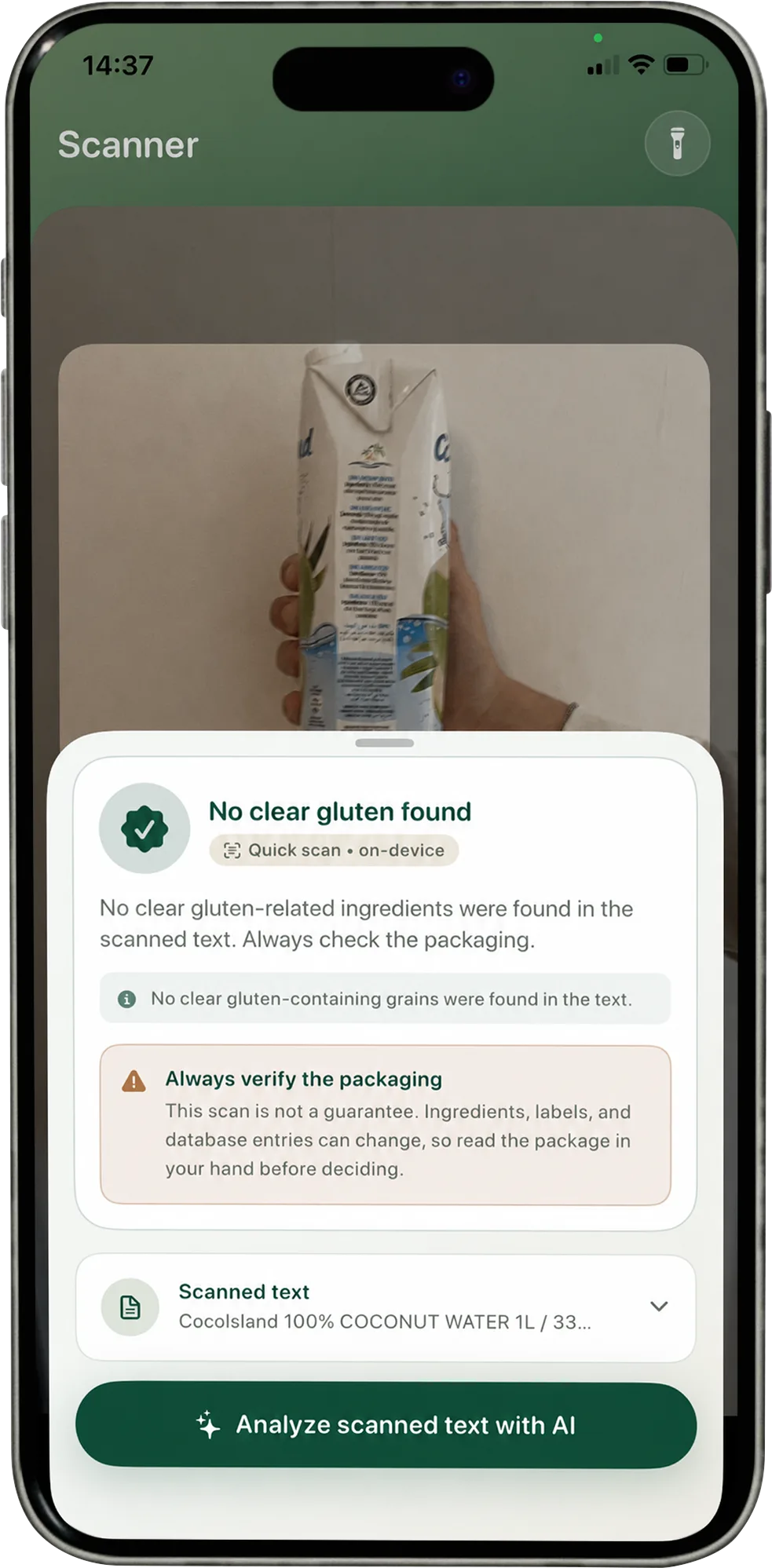
Celia brings two common product checks into one simple iPhone workflow.
Scan a barcode when product information is available, or photograph the ingredient list directly.
View ingredient information in a format that is easier to read beside the product.
Move from a product check to Celia AI, your diary, restaurant discovery or a recipe idea without switching apps.
Open the scanner and choose the quickest way to capture the product information in front of you.
Celia presents the available product data or photographed ingredient text in an easy-to-review format.
Compare what Celia presents with the packaging in front of you.
Products and labels can change. The current packaging remains the best place to review the latest product information.